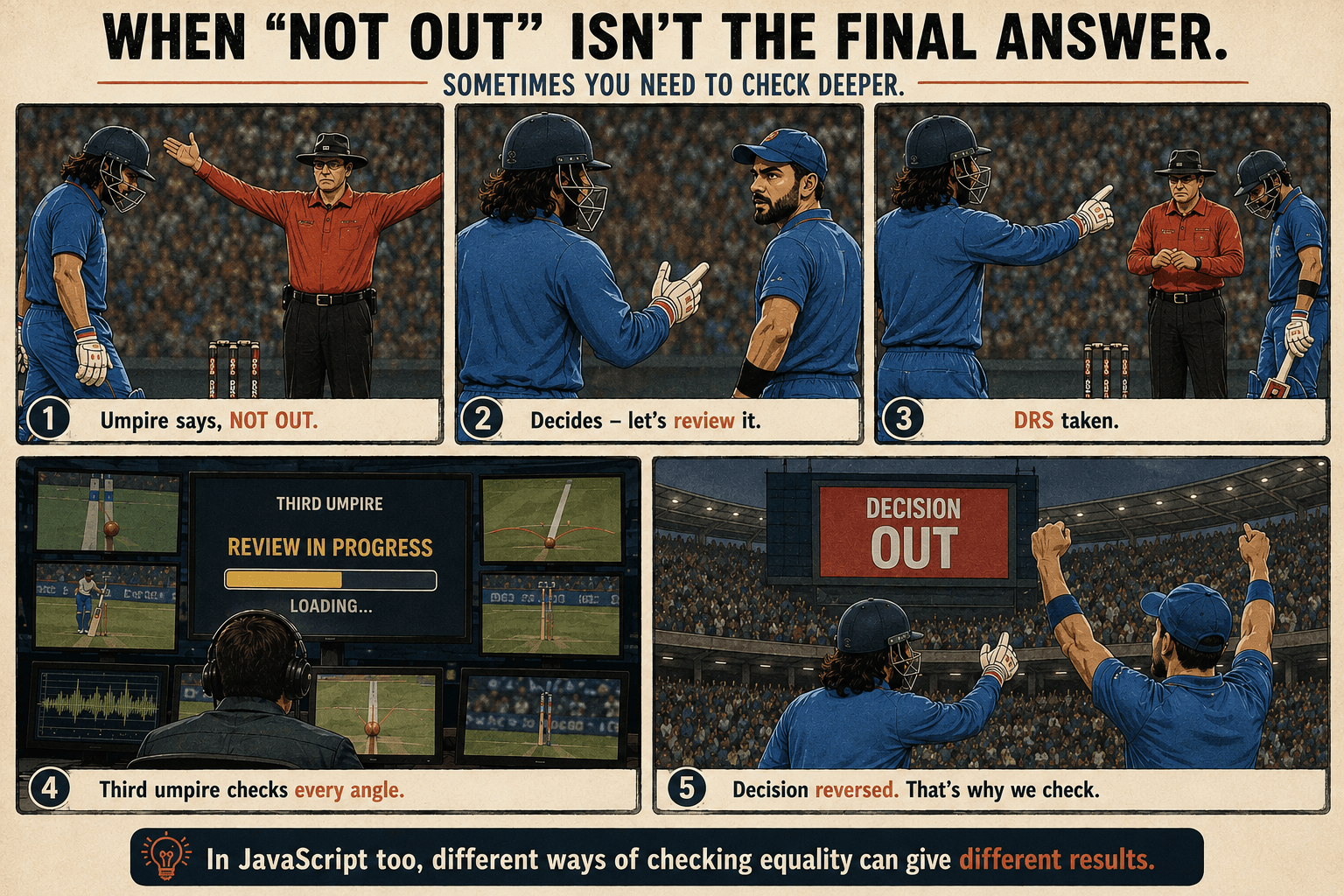
The Three Ways to Ask "Are You The Same?"
Why This Exists at All
Imagine you are building a simple login screen. A user types their password, and your code compares it to the secret password you saved. The comparison says true, so you let them in. But somehow, they typed the wrong password and still got access.
Or maybe you are checking if a user's age equals 18. And it does equal 18. Except they typed the word "18", not the actual number 18. Your code tries to do math on a piece of text, and the whole program breaks.
These are not rare edge cases. They happen constantly to developers who do not realize that JavaScript has three completely different ways to answer the question, "are these two things the same?" Each one has a different definition of "same." Pick the wrong one for the situation, and you will get an answer you did not intend.
You might wonder why a language needs three equality checks. Early JavaScript was designed to run in web browsers where almost all user input came from simple text forms. Instead of crashing the page every time a user typed a number into a text box, the language was built to be "forgiving." It tried to guess what you meant and convert types automatically.
That forgiving nature turned out to be a massive bug factory. Here is how you avoid my early mistakes.
Strict Equality (===): Your Daily Driver
What Strict Equality Actually Means
Strict equality does exactly what it says. It runs a two-part test. First, it checks if the data types are identical. If they are, it then checks if the values are identical. No conversions happen behind the scenes.
If the types do not match, JavaScript immediately returns false. It does not even bother looking at the values.
console.log(1 === 1);
// true (both are numbers, both are 1)
//
console.log(1 === "1");
// false (the types fail immediately: number versus string)
//
console.log(0 === false);
// false (number versus boolean)
//
console.log("" === false);
// false (string versus boolean)
//
console.log(null === null);
// true
//
console.log(null === undefined);
// false (different types)
Case sensitivity matters deeply when comparing strings. A capital letter changes the outcome entirely. So do trailing spaces. This happens all the time in the real world when a user accidentally hits the spacebar after typing their email address into a form.
console.log("hello" === "Hello");
// false (different capitalization)
//
console.log("john@email.com" === "john@email.com ");
// false (the second string has a hidden space at the end)
The Two Surprising Exceptions in Strict Equality
Strict equality works perfectly almost all the time. But it fails in two specific math scenarios. These are not bugs in JavaScript. They are deliberate decisions based on the IEEE 754 floating-point standard that governs how computers handle math.
The mathematical concept of Not-A-Number (NaN) refuses to equal anything, even itself.
const result = 0 / 0;
// result is NaN
//
console.log(result === NaN);
// false
//
console.log(NaN === NaN);
// false
You fix this by using a dedicated method called Number.isNaN(). Do not try to check for it using an equals sign.
console.log(Number.isNaN(NaN));
// true
JavaScript also distinguishes between positive zero and negative zero for complex math. However, strict equality considers them identical.
console.log(+0 === -0);
// true
Comparing Objects: The Identity Check
Variables hold primitive values like numbers or strings directly. Objects work differently. An object variable holds a memory address pointing to where the object lives inside the computer.
Two identical houses built on different streets might have the exact same floor plan and paint color. But they are not the same house because they sit at different addresses.
When you compare two objects using strict equality, JavaScript checks if they point to the exact same location in memory. It completely ignores their contents. This rule applies to arrays as well, because arrays are just objects under the hood.
const userA = { name: "Alex" };
const userB = { name: "Alex" };
//
console.log(userA === userB);
// false (two different objects sitting in different memory slots)
//
console.log([] === []);
// false (two different arrays sitting in different memory slots)
Even if two objects look completely identical, they sit in different memory spots. But if you assign one variable to another, they share the same address.
const original = { name: "Alex" };
const pointer = original;
//
console.log(original === pointer);
// true (both point to the exact same memory location)
If you actually want to check if two different objects hold the same data, you have to dig into them and compare their primitive properties directly.
console.log(userA.name === userB.name);
// true (now we are comparing two strings, not two object addresses)
Checking for Differences (!==)
Programming is not just about checking if things are identical. You frequently need to check if things are different.
To do this safely, you use strict inequality (!==). This operator is the exact opposite of strict equality. It returns true if the values are different, or if the data types are different.
console.log(1 !== 2);
// true (they are different numbers)
//
console.log(1 !== "1");
// true (one is a number, one is a string)
//
console.log("apple" !== "orange");
// true
If you ever need to run code only when a condition is NOT met, !== is the tool you reach for. This is incredibly common for security checks or filtering lists.
const currentRole = "guest";
//
if (currentRole !== "admin") {
  console.log("Access denied. Admins only.");
}
// "Access denied. Admins only."
Loose Equality (==): The Problem Child
How Loose Equality Tries to Help
Before using strict equality became the industry standard, developers relied heavily on loose equality (==). Loose equality coerces types. If two values have different types, JavaScript tries to be "helpful" by converting them into a matching type before comparing them.
This creates chaotic, unpredictable results that cause massive bugs.
console.log(1 == "1");
// true (the string "1" becomes the number 1)
//
console.log(0 == false);
// true (false becomes 0)
//
console.log("" == false);
// true (empty string and false both become 0)
//
console.log(0 == "");
// true (empty string becomes 0)
//
console.log([] == "");
// true (empty array becomes empty string)
//
console.log([1] == 1);
// true (array becomes "1", which becomes 1)
Let's look at one of the most famous JavaScript quirks to see how deep this rabbit hole goes:
console.log([] == 0);
// true
To arrive at true, JavaScript executed a hidden mechanical sequence. First, it converted the empty array into a primitive value, which results in an empty string "". Next, it tried to compare the empty string "" to the number 0. Because the types still didn't match, it converted the empty string into a number, resulting in 0. Finally, it asked if 0 == 0, and returned true.
Booleans behave just as bizarrely. They convert to numbers before anything else happens. The boolean true becomes 1.
console.log(true == "true");
// false
The word "true" does not convert to the number 1. It converts to NaN. And 1 does not equal NaN.
Null and undefined share a special rule. They only loosely equal themselves and each other.
console.log(null == undefined);
// true
//
console.log(null == 0);
// false
//
console.log(null == false);
// false
//
console.log(null == "");
// false
//
console.log(undefined == 0);
// false
The One Time Loose Equality is Acceptable
You should avoid loose equality entirely in modern codebases. But many senior developers use it for one specific shortcut when dealing with API data.
If you want to check if a value is either null or undefined, you can do it in a single step using loose equality.
function checkStatus(status) {
  if (status == null) {
    console.log("Status is missing entirely");
  } else {
    console.log("Status is:", status);
  }
}
//
checkStatus(null);
// "Status is missing entirely"
//
checkStatus(undefined);
// "Status is missing entirely"
//
checkStatus(0);
// "Status is: 0"
This trick works brilliantly because null loosely equals nothing else except undefined. It saves you from writing if (status === null || status === undefined).
However, be aware that many modern engineering teams use strict linting tools that ban loose equality completely, forcing you to write out the explicit strict checks anyway.
Loose Inequality (!=): Also Avoid
Just as loose equality (==) causes problems by converting types, loose inequality (!=) does the exact same thing in reverse. It tries to convert data types before checking if they are different.
console.log(1 != "1");
// false (it converts "1" to a number, decides they are the same, so they are not different)
You should avoid != just as strictly as you avoid ==. Always default to strict inequality (!==).
Comparing Sizes and Alphabets (<, >, <=, >=)
Comparing Numbers
Comparison operators handle numbers exactly as you learned in grade school math.
console.log(5 > 3);
// true
//
console.log(10 <= 10);
// true
If you mix a string and a number, JavaScript converts the string into a number.
console.log("10" > 5);
// true
//
console.log("abc" > 3);
// false ("abc" becomes NaN, and NaN comparisons always return false)
Comparing null and undefined with greater-than operators reveals a deep inconsistency in the language.
Loose equality refuses to convert null to a number. But comparison operators convert null to 0.
console.log(null == 0);
// false
//
console.log(null > 0);
// false (0 is not greater than 0)
//
console.log(null >= 0);
// true (0 is greater than or equal to 0)
However, undefined behaves completely differently. When comparison operators try to convert undefined into a number, it turns into Not-A-Number (NaN). And since NaN refuses to be compared to anything, all greater-than or less-than checks with undefined will return false.
console.log(undefined > 0);
// false
//
console.log(undefined < 0);
// false
Comparing Text Alphabetically
When both sides are strings, JavaScript compares them alphabetically based on their Unicode values. It moves character by character from left to right.
console.log("apple" < "banana");
// true (a comes before b)
//
console.log("b" > "a");
// true (b comes after a)
Capital letters come before lowercase letters in Unicode. This catches developers who sort names and wonder why "Zebra" appears before "apple" in the list.
console.log("Z" < "a");
// true (Z=90, a=97 in Unicode)
This creates a highly dangerous trap when comparing strings containing numbers. The string "10" is alphabetically smaller than the string "9".
console.log("10" < "9");
// true (the character "1" is smaller than "9")
JavaScript never converts them to numbers when both sides are strings. It doesn't understand the mathematical concept of "ten". It compares them character by character. So "10" compared to "9" looks at the very first character: "1" versus "9". Since "1" comes before "9", the evaluation is true and the check stops immediately.
This exact bug shows up when developers sort an array of numbers without providing a comparator function. JavaScript's default sort converts everything to strings first.
Always convert number strings to real numbers before comparing sizes. Use Number() to be completely safe.
console.log(Number("10") < Number("9"));
// false (correct: 10 is not less than 9)
Object.is(): The Ultimate Precision
Fixing the Strict Equality Blind Spots
The Object.is() method provides the most precise equality check possible. It behaves identically to strict equality, but it fixes the two math anomalies we explored earlier.
console.log(Object.is(1, 1));
// true
//
console.log(Object.is(1, "1"));
// false
It correctly identifies that NaN is exactly the same as NaN.
console.log(Object.is(NaN, NaN));
// true
It also correctly separates positive zero from negative zero.
console.log(Object.is(0, -0));
// false
Here is the full picture of how these three operators behave side by side:
1vs"1":==istrue,===isfalse,Object.is()isfalse.0vsfalse:==istrue,===isfalse,Object.is()isfalse.nullvsundefined:==istrue,===isfalse,Object.is()isfalse.NaNvsNaN:==isfalse,===isfalse,Object.is()istrue.+0vs0:==istrue,===istrue,Object.is()isfalse.[]vs[]: All three returnfalse.{}vs{}: All three returnfalse.5vs5: All three returntrue.
You rarely need Object.is() in daily programming, but it powers some of the biggest tools on the web. Advanced UI frameworks like React use Object.is() internally to check if your application's state has changed. They need mathematical perfection to know exactly when to redraw the screen.
Before You Close This Tab
That login bug from earlier? It was not a system failure. It was just a missing equals sign. Someone used loose equality to compare a password string to a saved number. A hidden conversion kicked in. Two different values looked equal enough, and access was granted.
Equality in JavaScript feels complicated at first. The solution is remarkably simple.
- Make
===your default choice for everything. - Ignore
==entirely, unless you explicitly need thenullchecking shortcut. - Use
Number.isNaN()when checking for Not-A-Number. - Remember that comparing objects checks their memory address, not their contents.
You cannot change how JavaScript was built. But by sticking to strict equality, you can stop its quirks from breaking your production code.